Screens
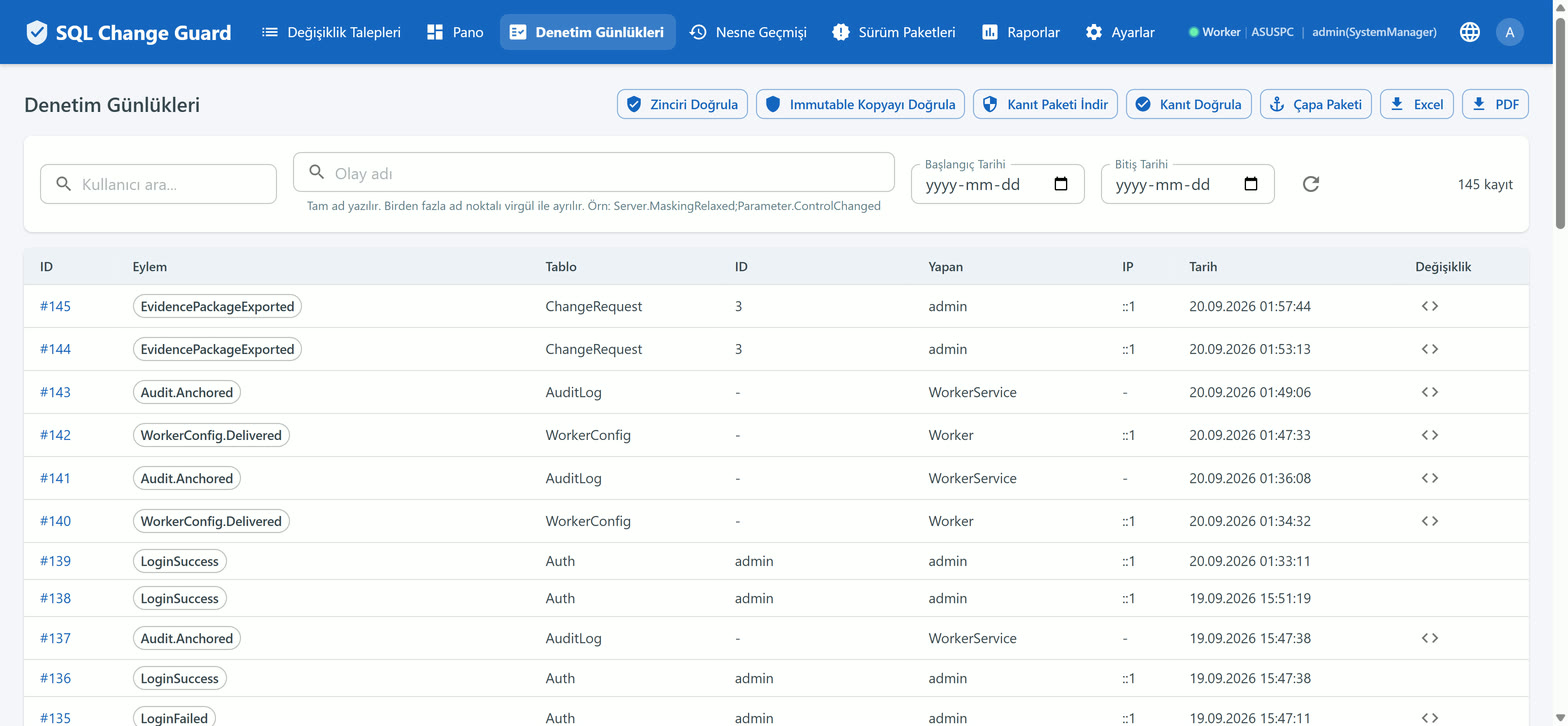
A log and a piece of evidence are not the same thing. A log says what happened; evidence shows that what was written has not changed since. This page is about the second one.
Each layer catches a different attacker. If one is bypassed, the next is still there. The first three are recording layers inside the product; the fourth sits entirely outside it and holds even against the organisation itself.
Every event is written into a chain that carries the digest of the previous one, signed with a secret key. Altering a single record means recomputing every record after it, and that cannot be done without the key.
Who it catches: someone with database access who does not have the key.
The full content of every audit record is sealed into a second database, ideally on a separate server. Only insert permission is granted there.
Who it catches: someone who has the key and rewrites the main record.
Triggers on the tables write row changes into their own trail, independently of the application. An intervention made without touching the application still shows up.
Who it catches: someone who bypasses the application and goes straight to the database.
A signed anchor is delivered to the auditor on a schedule: "today my last record was this number and here is its digest." When the audit comes, the auditor compares the old anchor they already hold against today's records. The first three layers live on the organisation's servers; this fourth one lives in the auditor's own archive.
Who it catches: the organisation itself, holding every key and rewriting the past from scratch.
Verification happens from the screen. The audit screen has two separate buttons. One checks that the chain is internally consistent, the other compares the main record against the sealed copy. They prove different things and should be read together. The fourth layer is not run from the screen but from the auditor's own machine: how you verify the evidence yourself.
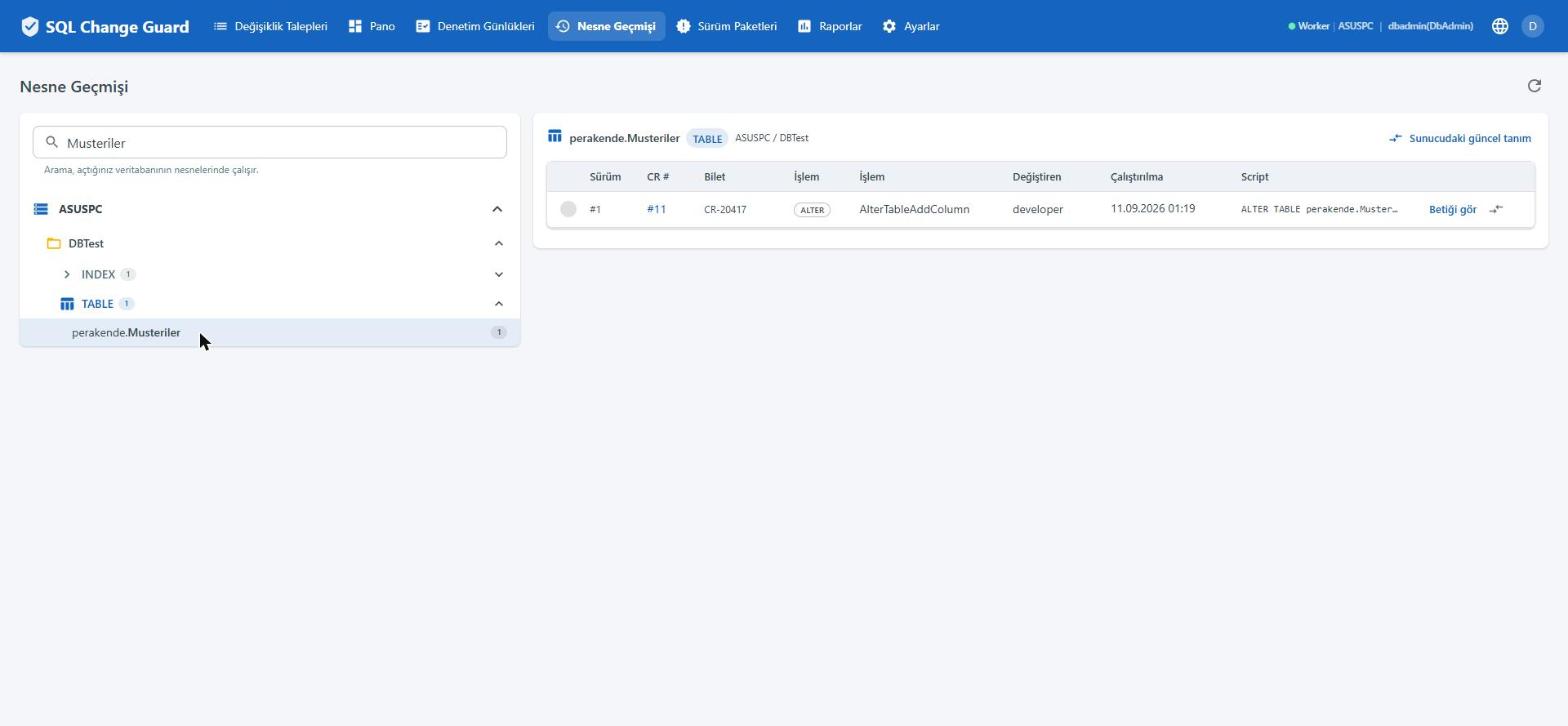
An audit usually goes like this: the auditor picks a change at random and asks for its story. Who asked for it, under which rule it was approved, who ran it, what the script was on the day.
The answer exports as a single file. It carries the identity block, a separation of duties summary, the timeline, the approval evidence, the script fingerprint, the risk breakdown, the sandbox result, the execution result, query delivery metadata, exceptions and the raw audit trail.
The file carries its own seal, and that seal is also written into the audit record. Comparing the two is how you tell whether the file changed after it was produced.
What is delivered is a single zip. Alongside the data it holds an identity file, the RSA signature over that file, the public key that checks the signature, and a verification script. The auditor can run that verification on their own machine without ever connecting to the product: how an evidence package is verified.
Two rules. For a query request the result itself never enters the file; only who received it and which column was approved unmasked, otherwise the file would become a new leak channel. Second, exporting the file is itself an event and is written to the audit record.
The sample data is fictional. Identifying fields were masked before publication, so the seal in this copy no longer verifies.
When a request is saved, the rule set and effective settings that shaped it are frozen into a single audit event. Six months later, even if the rules have changed, you can still read which rules the request was judged by.
Turning a rule off or lowering its tier is not recorded as an ordinary settings change; it is marked under its own name. That makes "which controls were relaxed before the audit" an answerable question.
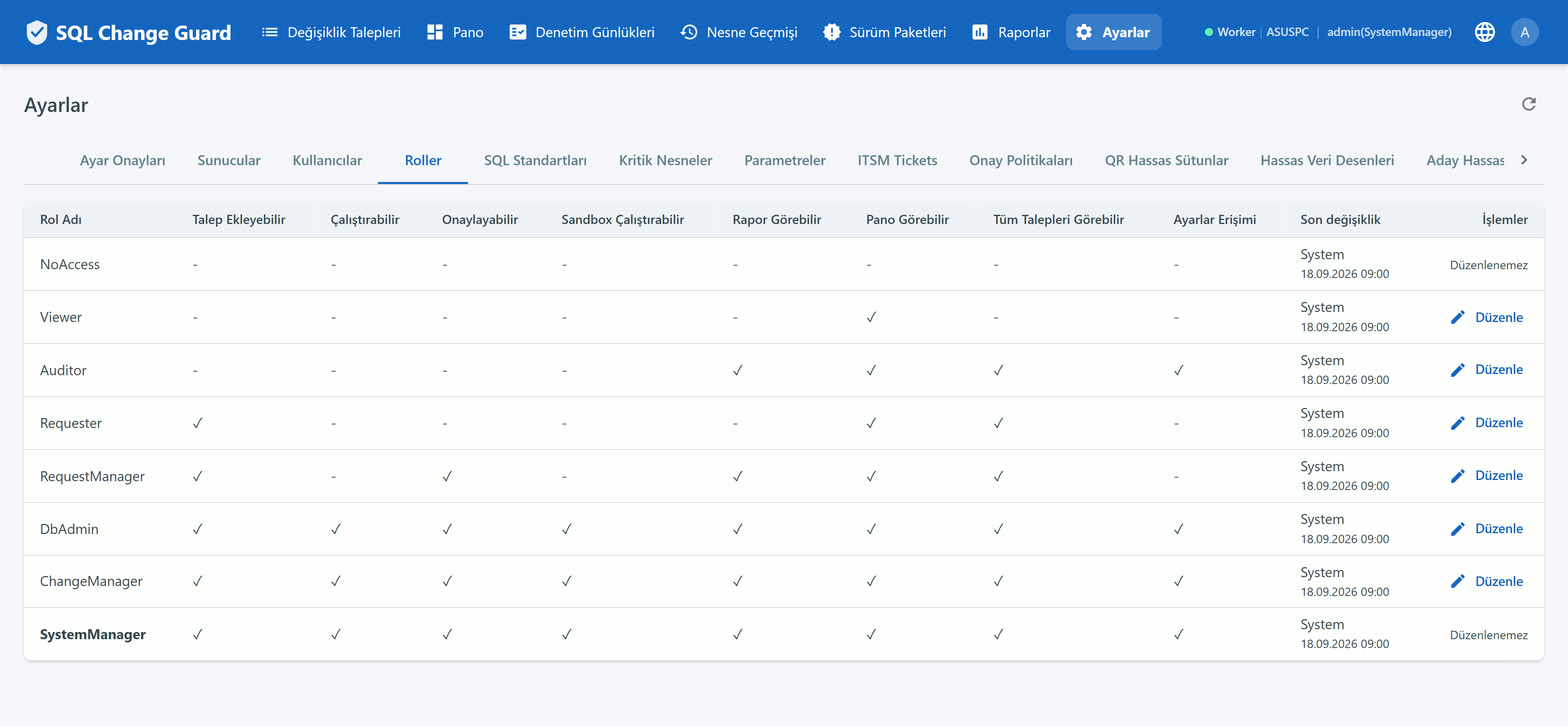
A change on a settings screen is not written to the live record straight away. It waits as a pending entry for another user to approve. Approving your own request is always forbidden.
Cases such as a requester executing their own request appear in the file as exceptions. Governance is not measured by the absence of violations but by whether they surface.
| Group | The question it answers |
|---|---|
| Change Governance | Which requests were opened, how long they waited, who approved them, what ran and what was rejected. |
| Object & Structure | Who touched which object, how often each object changes, where the collisions are. |
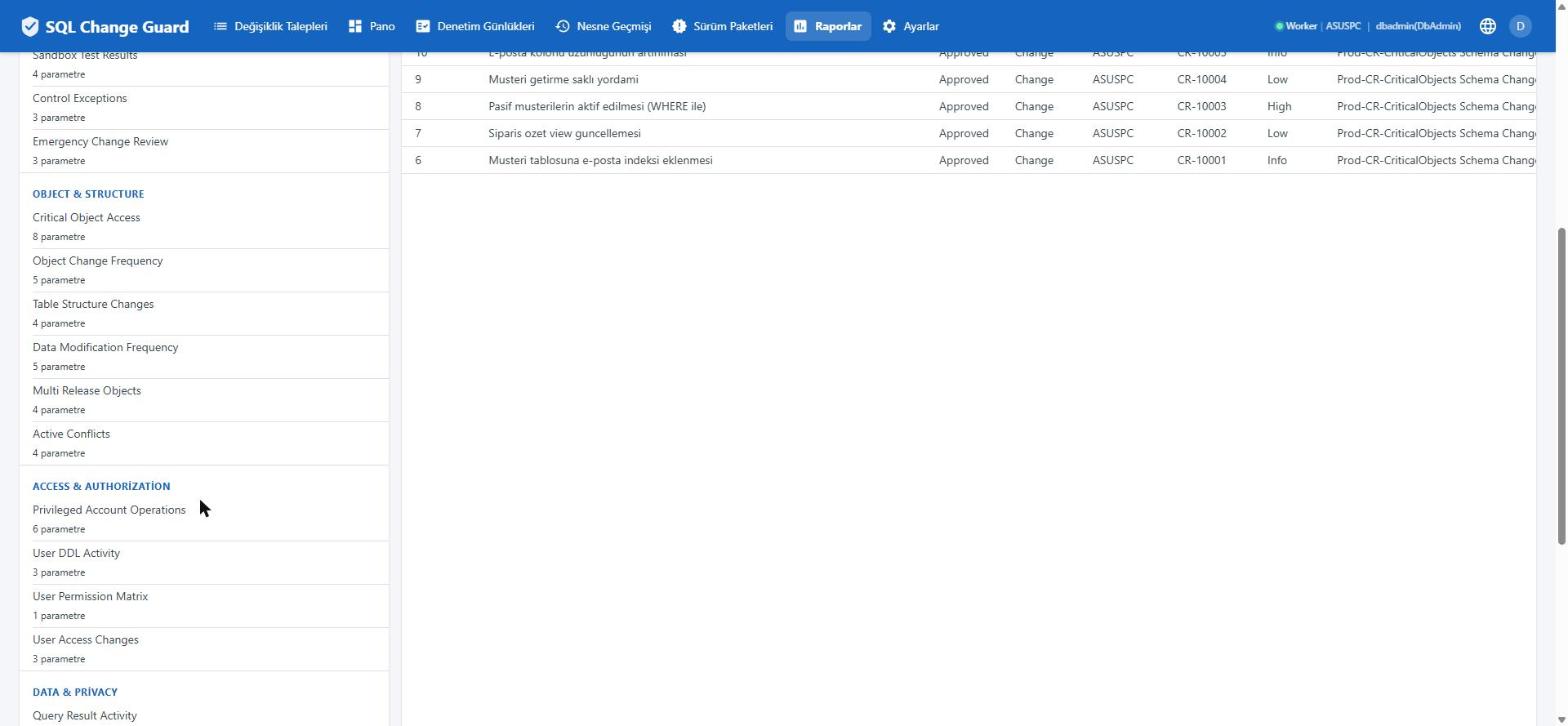
| Access & Authorization | Who created accounts, who changed permissions, what privileged accounts did. |
| Data & Privacy | Who accessed production data, which columns were masked, which requests modified data directly. |
| Configuration & Compliance | Which settings changed, which control exceptions occurred, how the approval trail progressed. |
Each report defines which roles may run it, and that restriction is enforced. Report output is in English.